Clearer meaning
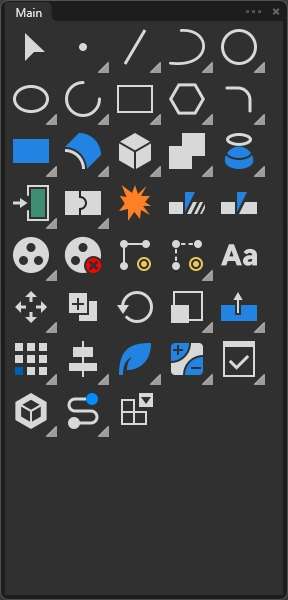
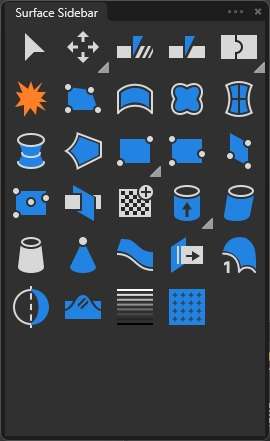
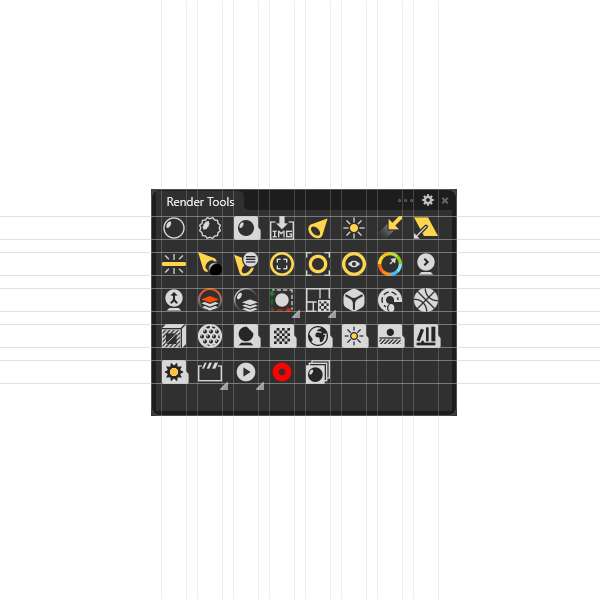
Simple silhouettes emphasize the command’s purpose instead of literal detail that becomes unreadable at toolbar size.
Rhino 8 for Windows · Custom interface
RhinoUI replaces visual noise with a consistent icon language and a more cohesive workspace—so the interface supports your modeling instead of competing with it.
Basic from $5.99Pro from $9.99Instant delivery through Gumroad
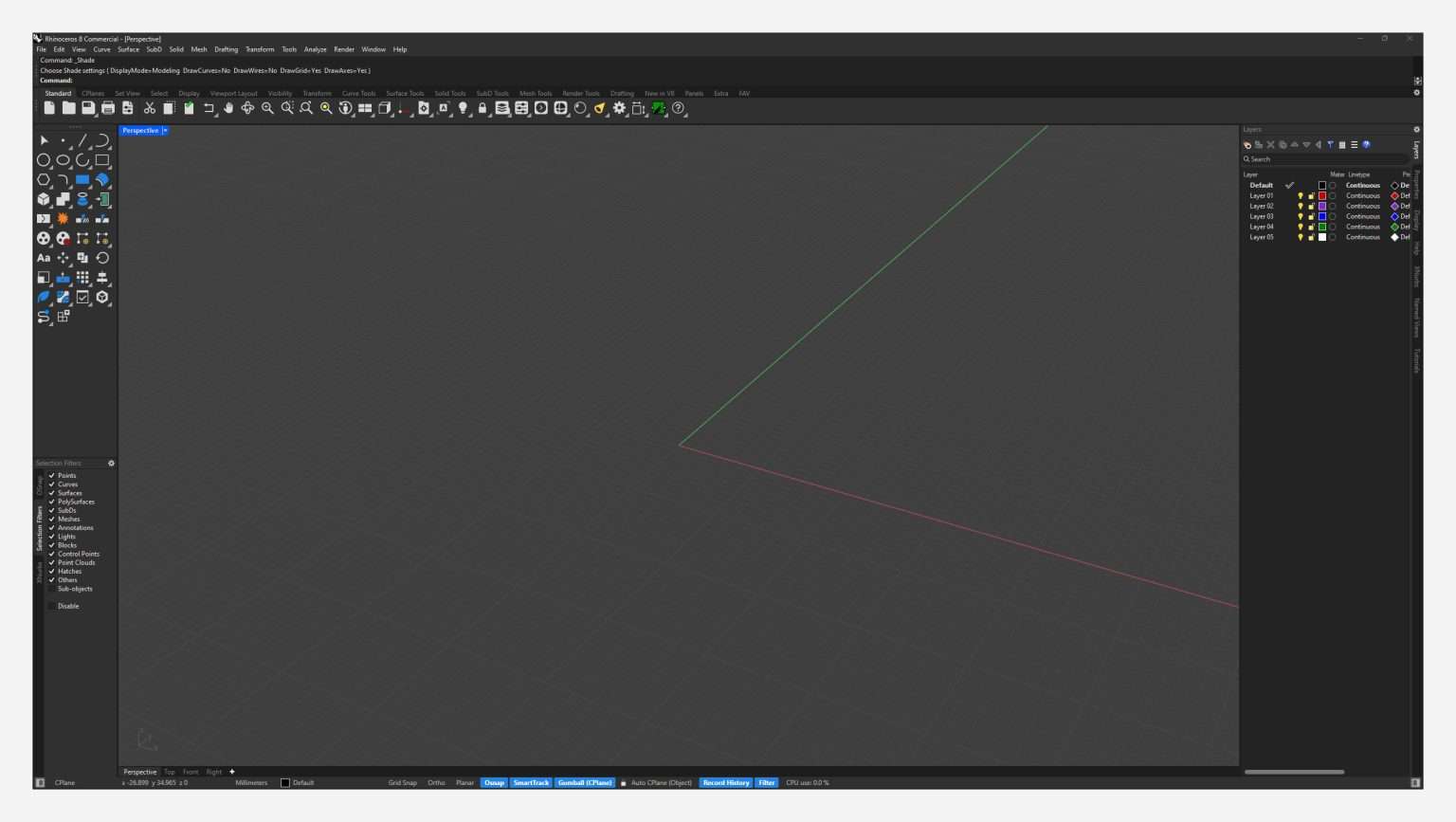
Design principles
Designed by an industrial designer and long-time Rhino user, each icon is reduced to the idea behind the command. A shared grid and restrained color system make tools easier to scan and remember.
Simple silhouettes emphasize the command’s purpose instead of literal detail that becomes unreadable at toolbar size.
Icons follow a 48 × 48 grid with controlled visual weight, improving rhythm across crowded toolbars and panels.
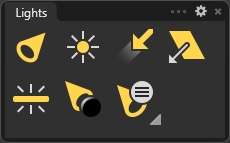
Color identifies tool families: blue for surfaces, teal for SubD, green for mesh, yellow for lights, and red for edges or warnings.
Icon details
The original close-up studies are preserved here because they show what a full-screen screenshot cannot: consistent weight, clear tool families, and readable silhouettes at everyday sizes.

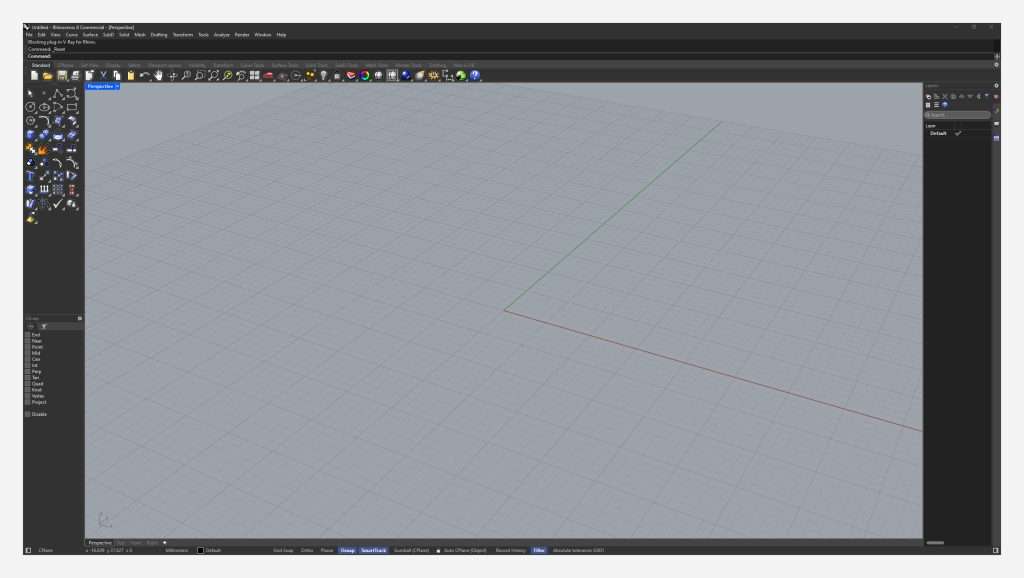
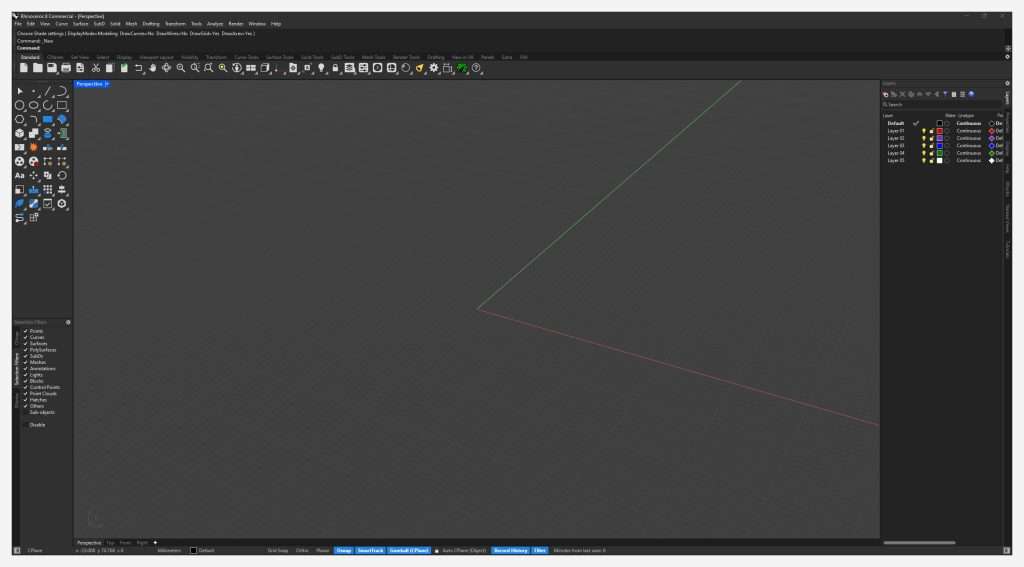
Before / after
The layout stays familiar. The visual language becomes quieter, more consistent, and easier to navigate during long modeling sessions.
Choose your package
Purchase and download are handled by the existing Gumroad product. Gumroad shows the final price and delivers your files automatically after payment.
For users who want the complete icon redesign while keeping their current Rhino theme.
The complete visual refresh: the redesigned icon scheme plus the refined Rhino 8 dark mode.
Prices shown reflect the current Gumroad listing and may be updated there. Personal-use license; redistribution is not permitted.
Practical guides
Existing tutorials have been retained at their original URLs, with clearer structure and focused instructions.
A safer XML-based method that preserves the rest of your interface settings.
Workflow guide →Create a toolbar and assign it to Rhino’s middle-mouse popup.
Design details →See the panel, window, hover, and viewport changes included with Pro.
Safety guide →Protect options, schemes, toolbar XML files, and window layouts before making changes.
Troubleshooting →Check the active scheme and restore only the affected icon resources.
Product details →Review compatibility, package contents, installation, licensing, and common questions.
FAQ
RhinoUI is designed for Rhino 8 on Windows. It is not presented as a theme for older Rhino versions or macOS.
Payment and file delivery happen through Gumroad. After checkout, Gumroad provides the download automatically and keeps the purchase associated with your Gumroad receipt.
The current guide uses XML editing to replace the ICONS section while leaving other interface settings in place. Back up your Rhino settings folder before making changes.
No. The current package is licensed for personal use by the purchaser and may not be redistributed, repackaged, or resold.
Ready when you are
Choose Basic or Pro on the existing Gumroad page. Payment and automatic download delivery stay in one familiar place.